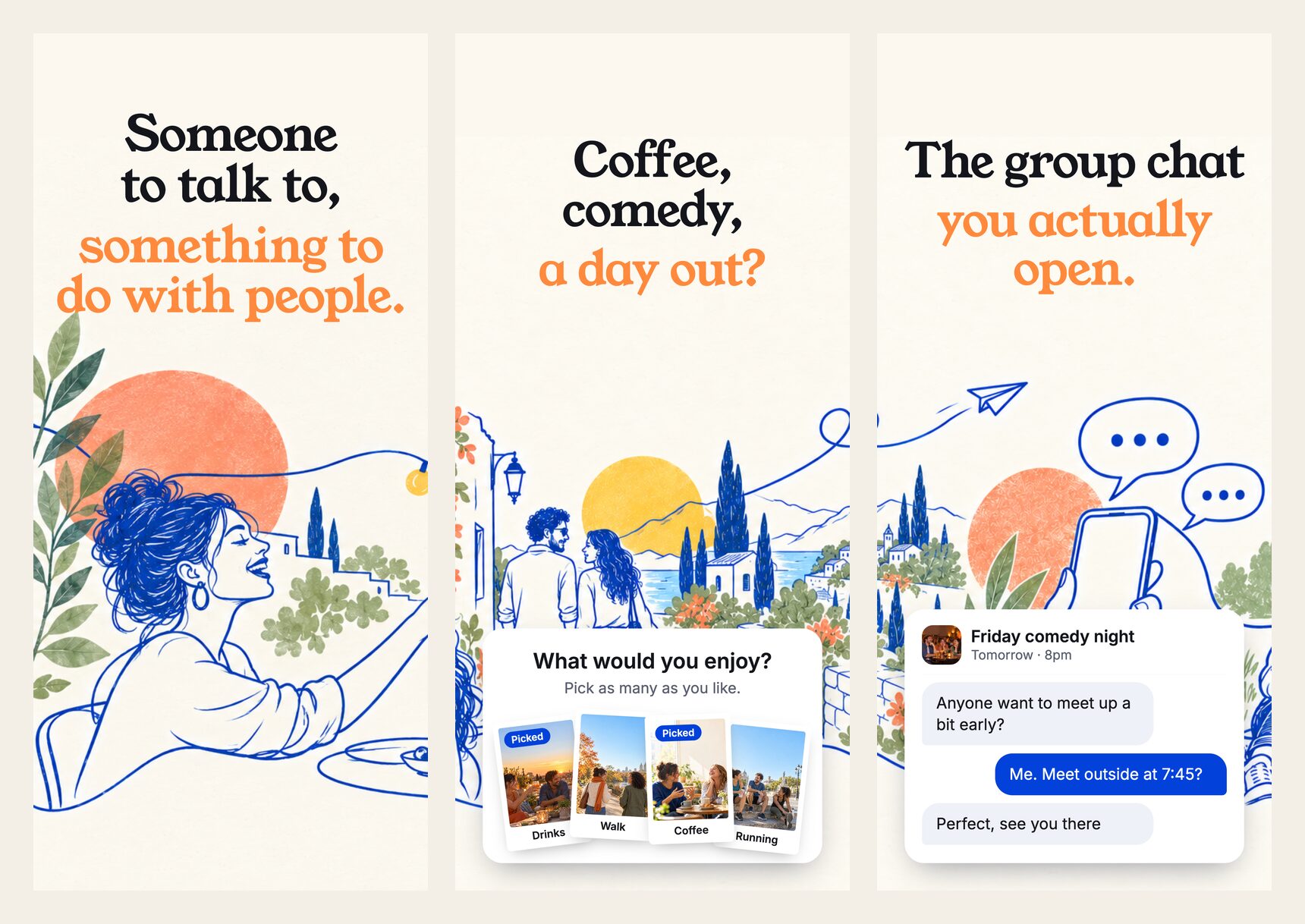
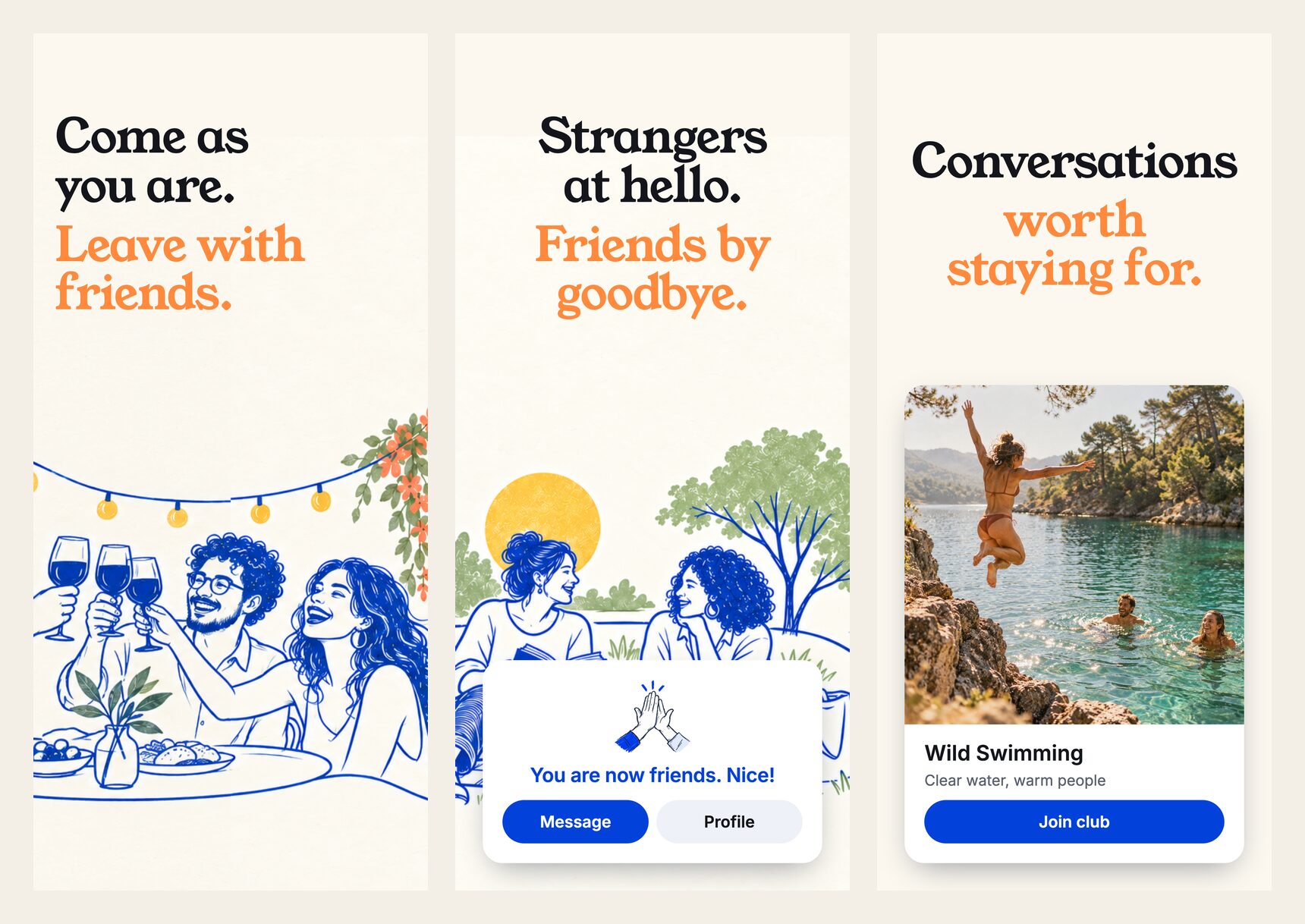
KF.Social started with dinner. Now you pick what you'd enjoy, from comedy and coffee to walks and wild swimming, and we match you with people near you who would enjoy it too. In nine languages.
By KF.Social·3 min read·Published 11th October 2026
Someone to talk to, something to do with people. That is the first line you now see when you open KF.Social.
Until now, meeting people on KF.Social mostly meant one thing: dinner with a few new faces. Dinner is still here. But not everyone's perfect evening is a long table, and not every friendship starts over a menu. Some start on a walk, at a comedy night, over coffee, or after a cold swim.
So we rebuilt the heart of the app around a simple question: what would you enjoy?
01Pick what you'd enjoy. We'll do the matching.
The Plans tab now opens on that question. Choose from activities in six groups: Food & drink, Outdoors & active, Make something, Culture, Nights in & games, and Learn & unwind. Coffee and brunch, walks and hiking, running and wild swimming, pottery and painting, galleries, live music, comedy and cinema, board games, language exchange and talks are all there, and the list follows where you are, so you only see what makes sense locally.
Pick what you'd enjoy, then keep the conversation going in the group chat.
Pick as many as you like. No dates to choose, no commitment, and picking books nothing. Tell us the days you are usually free, and we match you with people near you who enjoy the same things. When a Plan you can join is published near you, you will find it in Plans, and the ones you are going to sit at the top.
Some Plans are free and take one tap. When a Plan has a fee, the app shows it before you book. Plans are for adults, 18 and over.
02Matches that make sense
Discover now shows you a small set of matches each day, people near you, with the reason in plain words: the interests you share, the days you are both free, or that someone has just arrived. People who joined in the last week carry a "New here" chip, so you can be the first to say hello.
And if you are single and open to more than friendship, you can now say so privately. It is never shown on your profile. Read Introducing KF Dating.
03Clubs that start where you are
Clubs now open with the ones local to your area and your language, with a row of clubs for you inside Discover and a way to browse clubs everywhere when you want to look further. A walking club in your city and a book club that meets online can both be yours.
Friends, and clubs for the things you could talk about all night.
04Nine languages
KF.Social now speaks German, French, Spanish (Spain), Spanish (Latin America), Portuguese (Brazil), Dutch, Italian and Greek, as well as English. Choose yours in Settings, under Language. Notifications and emails follow your choice.
05A warmer welcome
Getting started is shorter. Tell us where you are based, what you are looking for and a few things you enjoy, add a photo of you, and the app shows you people and Plans near you from the start.
06What has not changed
Matches are never bought. Premium buys reach, speed and control, such as more Super Waves, never better matching. Searching for someone by name or handle is free. And the point is the same as it always was: fewer, better people, seen more than once.
Plans. KF.Social used to bring people together mainly over dinner. Now you pick everything you'd enjoy, from comedy and coffee to walks and wild swimming, and we match you with people near you who'd enjoy it too. Clubs start local to your area and language, and the app speaks nine languages.
Does picking an activity book anything?
No. Picking an activity tells us what you'd enjoy so we can match you with people who would too. You choose a Plan to join separately, and any fee is shown before you book.
Is dinner still part of KF.Social?
Yes. Dinner is one Plan among many. Where dinners are published, you can join them as before.
Which languages does KF.Social support?
English, German, French, Spanish (Spain), Spanish (Latin America), Portuguese (Brazil), Dutch, Italian and Greek. Choose one in Settings, under Language; notifications and emails follow.
 KF.Social